DRYCAD Solutions - Flagship Product
DRYCAD
SUITE
A complete collection of CAD automation tools built for mechanical designers who refuse to waste time on repetitive tasks. One suite. Full control. Every day.
What is DRYCAD Suite
The CAD automation layer your team was missing
Currently available for CATIA V5. Support for CATIA 3DX, SOLIDWORKS, and Autodesk Inventor is on the roadmap.
99%
of designers rate process standardization as critical
~20yr
of F1-grade design expertise behind every tool
1
unified interface for all tools and macros
ISTAT 2024 + DRYCAD market survey (100+ Italian mechanical designers).
The Interface
A new dimension of CAD commands
The DRYCAD CommandBar sits persistently inside your CAD client. Fully customizable, always visible, every tool and macro, exactly one click away.

DRYCAD CommandBar - Fully customizable, always visible.
Feature Spotlight
See DRYCAD SUITE in action
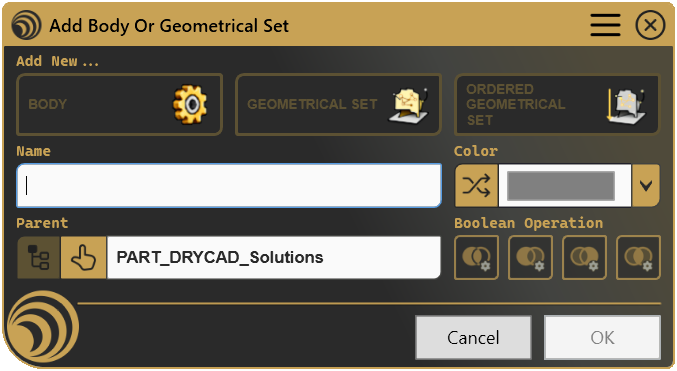
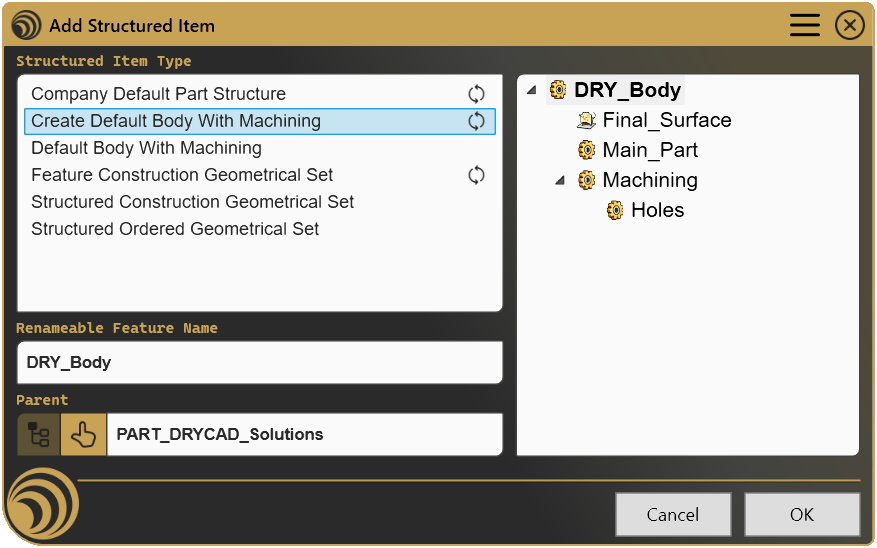
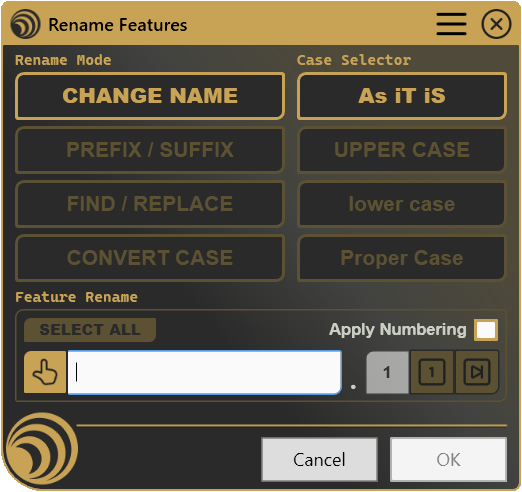
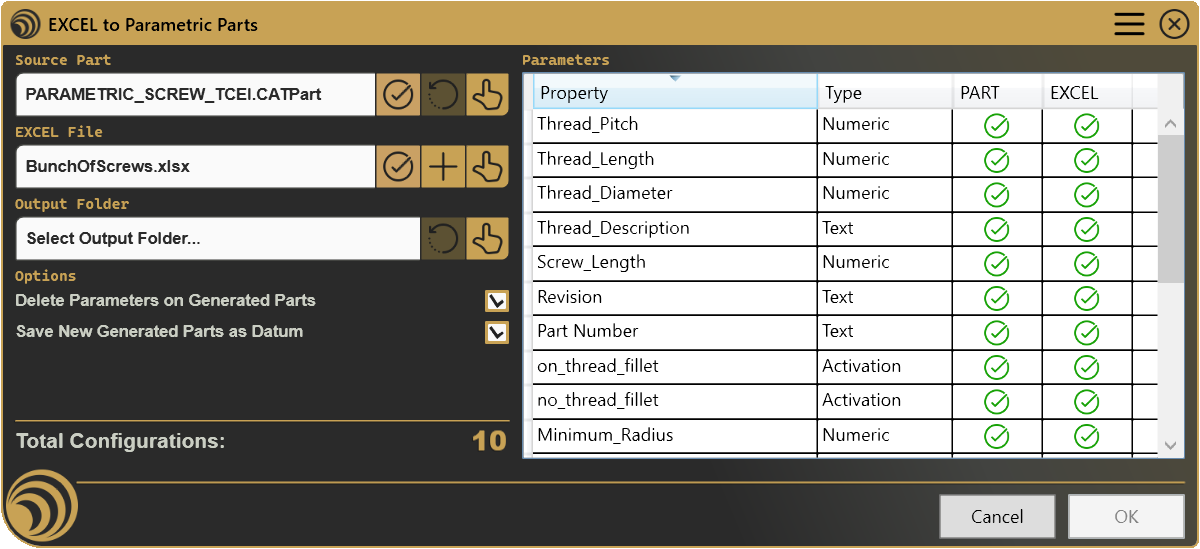
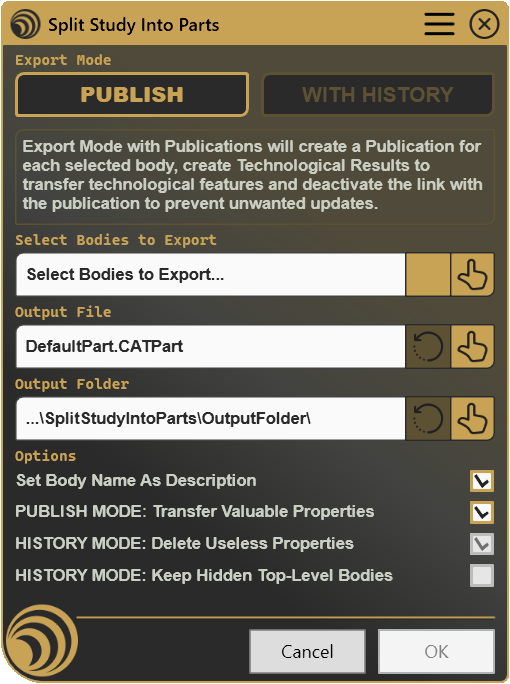
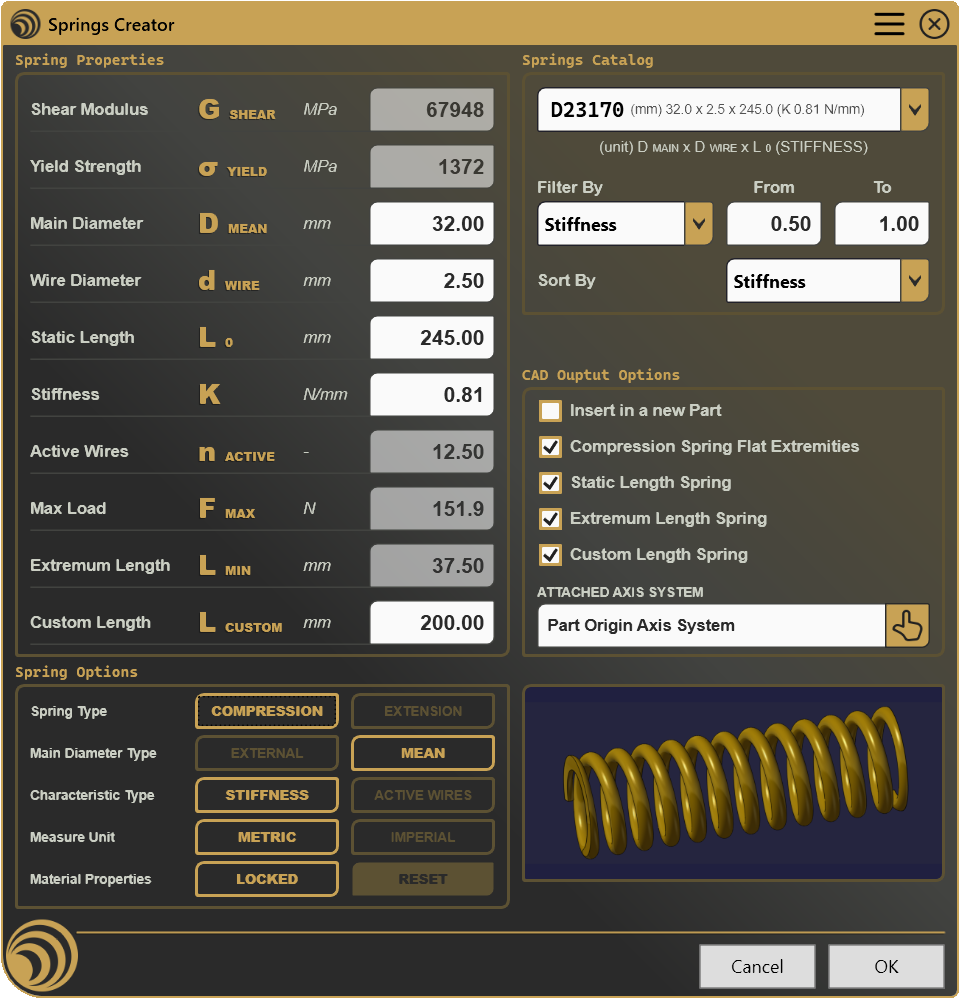
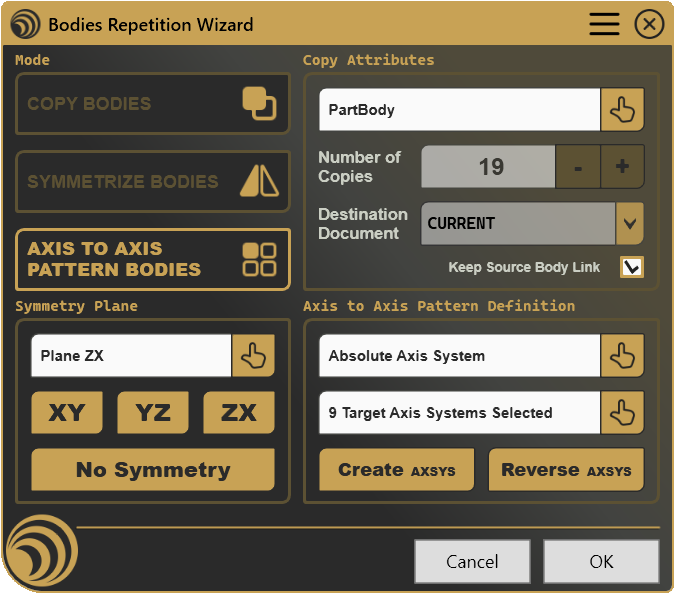
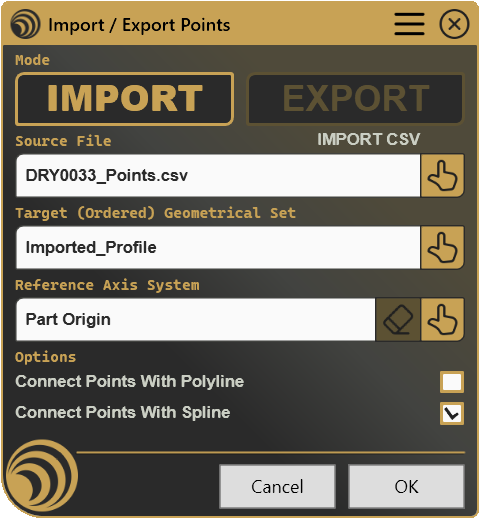
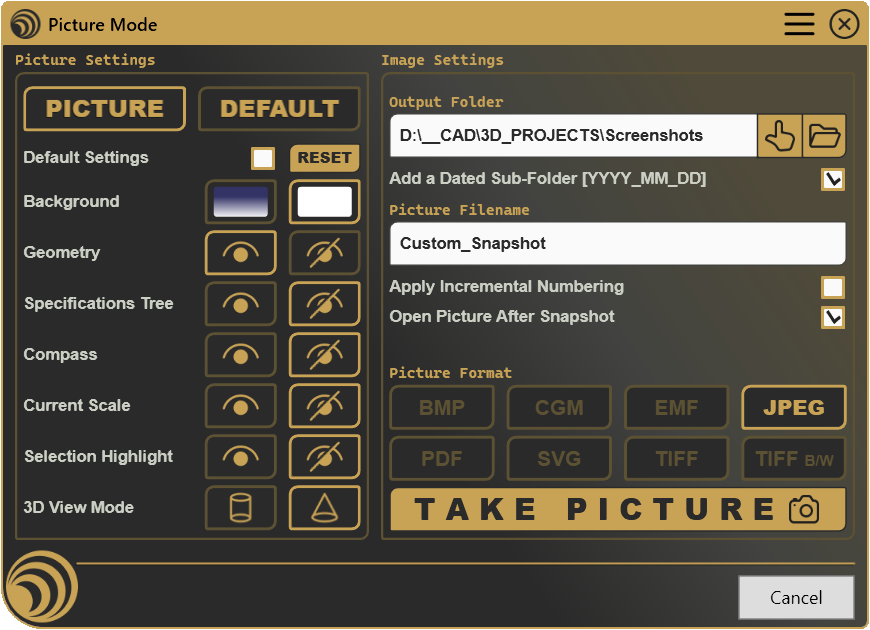
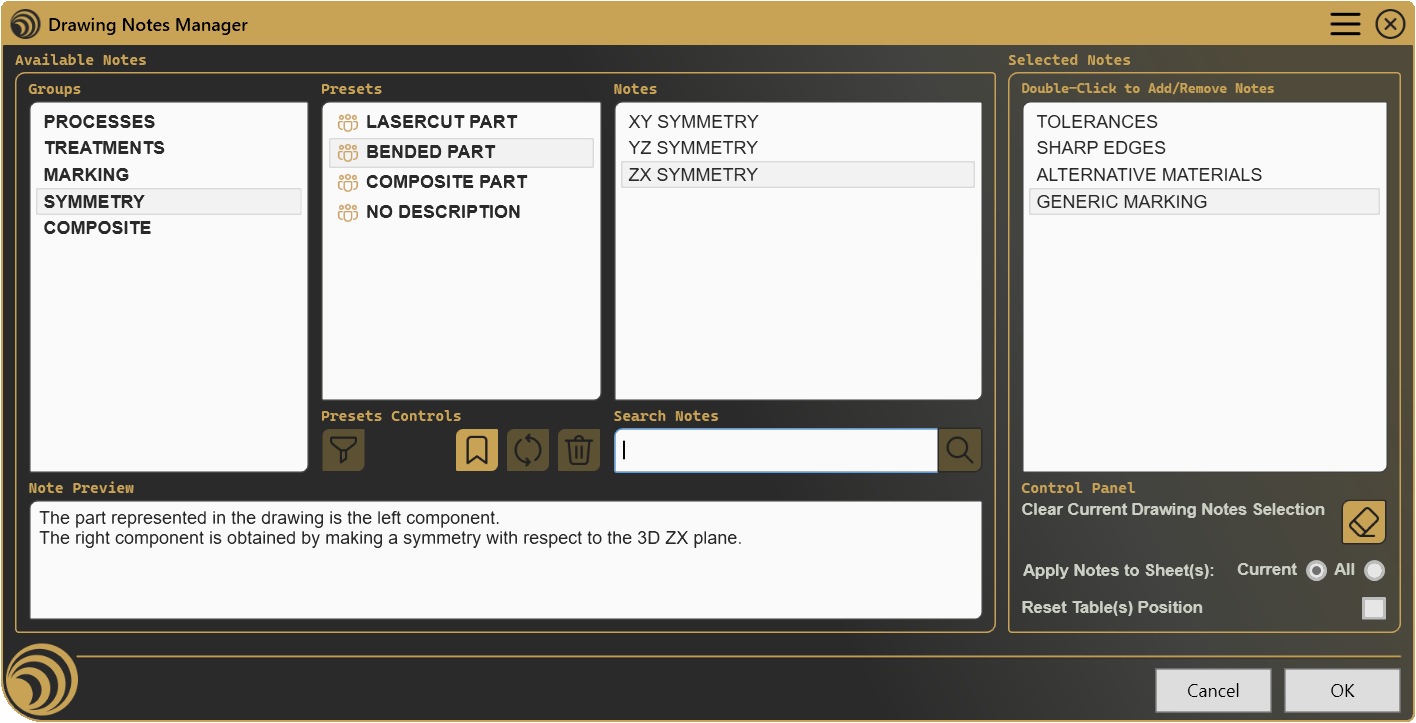
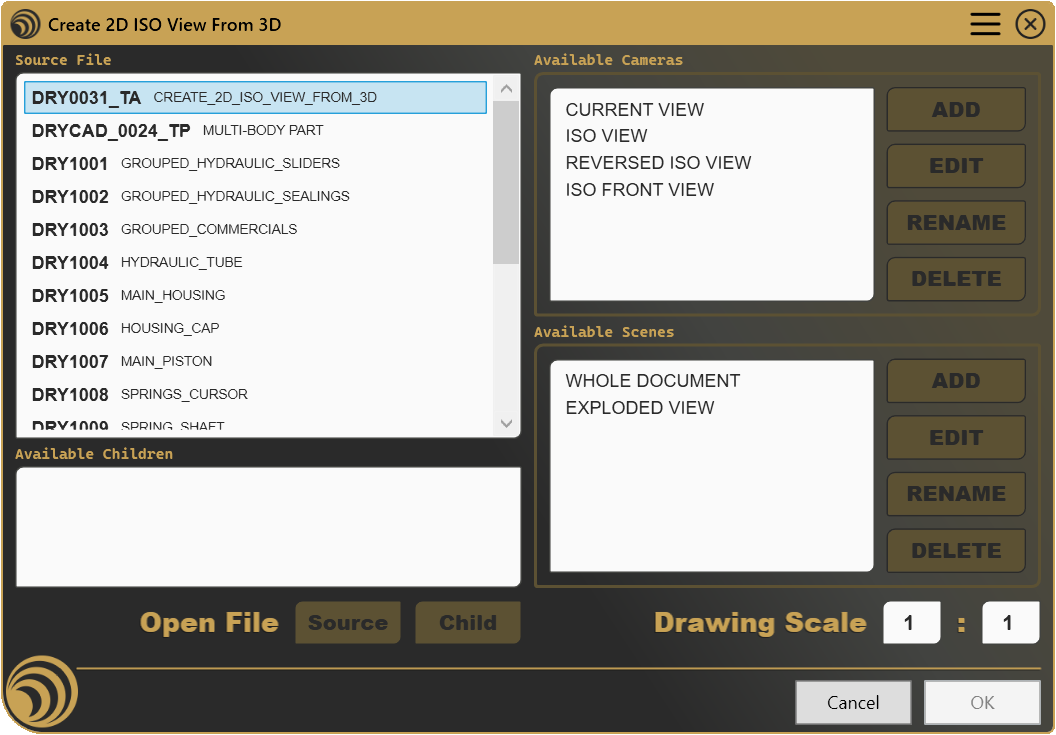
A closer look at some of the tools inside the DRYCAD CommandBar, from the central management panel to individual automation macros across your CAD workflow.
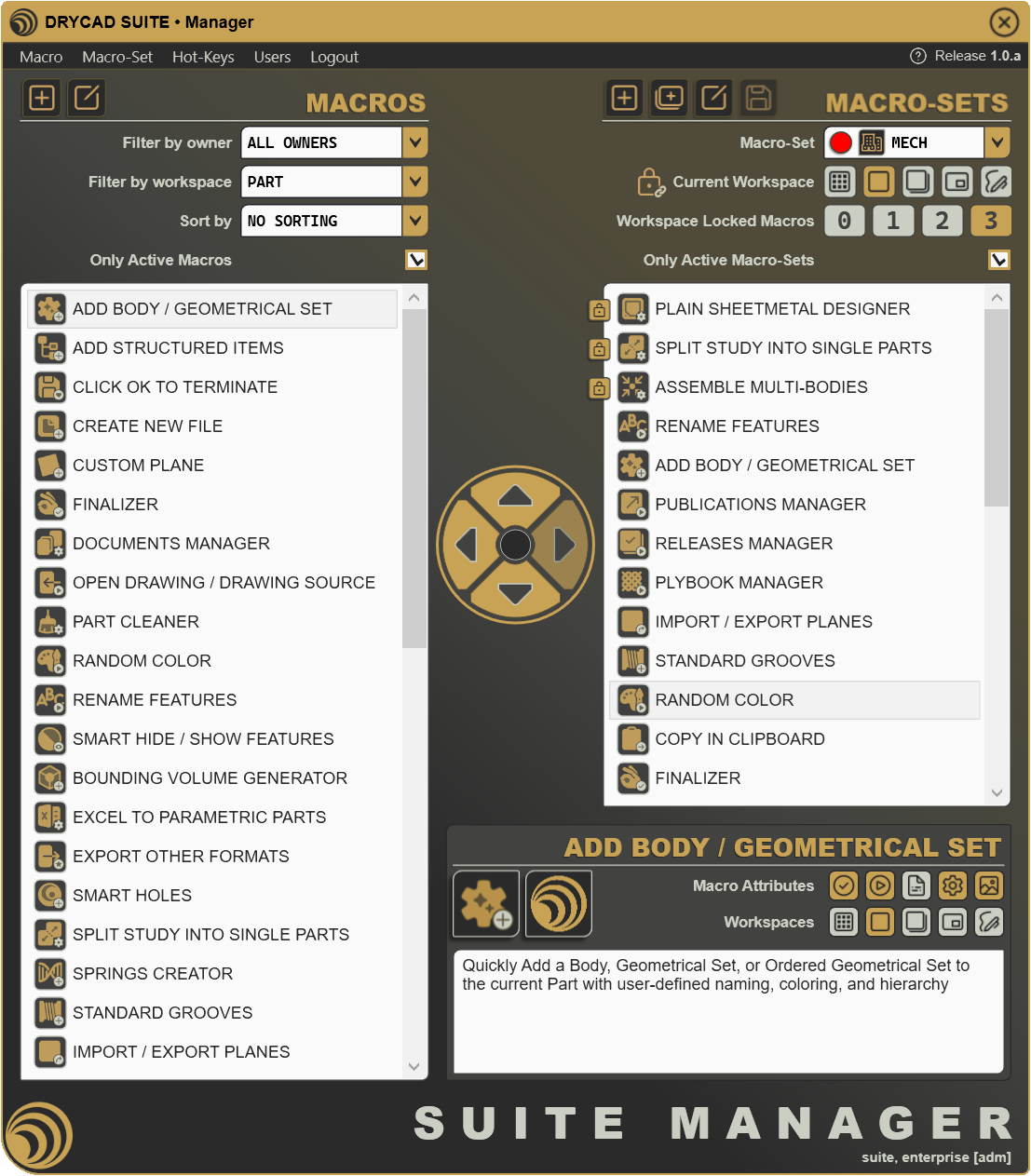
CommandBar Manager
The control center of DRYCAD SUITE. Configure, organize, and personalize every macro and tool available in your CommandBar, add custom entries, reorder groups, and manage your entire automation setup from one dedicated interface.

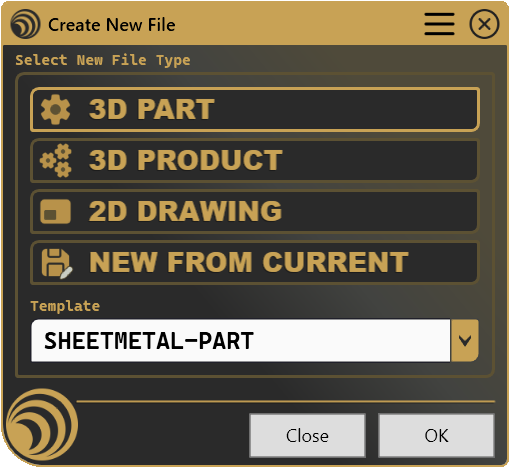
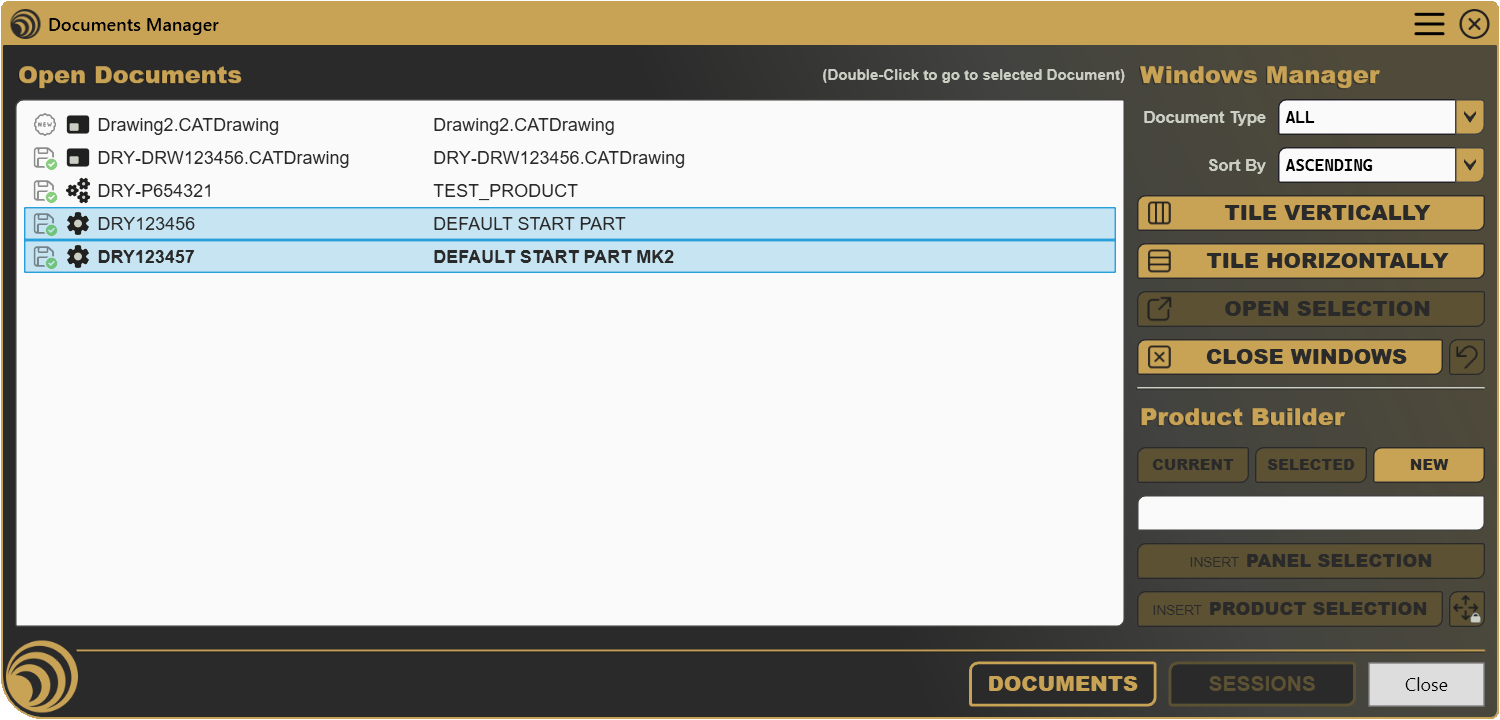
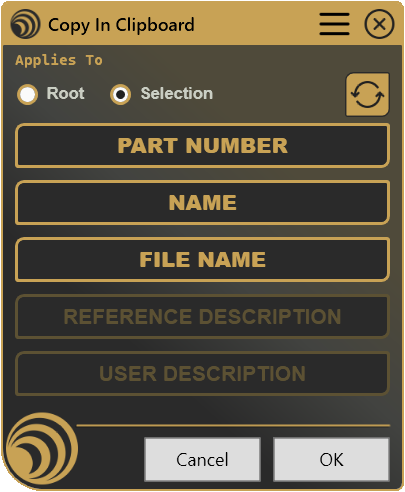
Capabilities
What you can do with DRYCAD SUITE
01
Centralize all macros
Manage every macro and customization from a single, persistent interface, no more scattered scripts or undocumented shortcuts.
02
Automate repetitive operations
Eliminate manual, error-prone steps. Automate drawing import/export, standard application, and routine checks with a single click.
03
Apply standards automatically
Enforce company standards on products and drawings without manual intervention, consistent, every time, across your entire team.
04
Manage revisions & releases
Track component revisions, handle document releases, and maintain full traceability, integrated directly in your CAD environment.
05
Control assembly complexity
Handle large assemblies and Bills of Materials with tools designed for complexity, clear ownership, structured data, zero confusion.
06
Onboard new designers faster
Standardized tools and centralized access mean new team members are productive from day one, no tribal knowledge required.
Tools Included
What's inside the Suite
Centralized Macro Management
One interface to launch, organize, and maintain every macro and customization in your CAD environment.
Smart Drawing Notes
Intelligent annotations for improved communication between design and manufacturing teams.
Automatic Standard Application
Apply your company standards to products and drawings automatically, no manual intervention needed.
Revision & Release Management
Track component revisions, manage document releases, and maintain full change traceability, directly in CAD.
Ownership Control
Advanced parts and product ownership management, control who can modify what, at every level of the assembly.
Workflow Automation
Eliminate manual, error-prone steps in your daily CAD routine. Automate drawing import/export, standard application, and routine checks.
Assembly & BOM Management
Handle large assemblies and Bills of Materials with tools designed for complexity, clear ownership, structured data.
Parametric Design Utilities
Simplify and accelerate parametric modelling operations, reuse design intent consistently across projects.
Plans
Choose your level
Whether you are a solo designer or running an engineering department, DRYCAD SUITE scales to your needs. All plans include the DRYCAD CommandBar, the unified access point to every tool.
For everyone, free
Starter
A freeware version with limited functionalities, perfect for those who want to try out the basic features.
- Basic DRYCAD CommandBar
- Access to all freeware catalog products
- Automatic access to future freeware releases
- Add custom macros via XML or CSV
Individual users & freelancers
Professional
The standard version for individual users, offering the complete catalog and advanced management tools.
- All Starter features
- Fully customizable CommandBar
- Unlimited macro management
- Access to the full product catalog
- Automatic access to all future releases
- User-friendly macro management application
- Option to request new macros
- Dedicated email support
Companies & engineering teams
Enterprise
All Professional features, plus enterprise-wide customization, user management, and team collaboration.
- All Professional features
- Define & share company macro-sets
- User management with roles (restricted, standard, admin)
- User interaction capabilities
- Priority support
- Volume discounts available (10+ licenses)
Also available
Custom Advice
Need something beyond the standard plans? Our Custom Services team develops tailored automation tools and workflow solutions on request, for everyone, at any scale.
| Feature | Starter | Professional | Enterprise |
|---|---|---|---|
| CommandBar | |||
| Integration with one CAD platform (1) | |||
| DRYCAD CommandBar | Basic | Fully customizable | Fully customizable |
| Unlimited macros | — | ||
| Catalog & Updates | |||
| Product catalog access | Freeware only | Full catalog | Full catalog |
| Automatic future product releases | Freeware only | ||
| Macro Management | |||
| Add custom macros | |||
| CommandBar setup via XML / CSV | — | — | |
| CommandBar Manager Application (GUI) | — | ||
| Request new macros (2) | — | ||
| Define & share company macro-sets | — | — | |
| Team & Enterprise | |||
| User management with roles | — | — | |
| User interaction capabilities | — | — | |
| Volume discounts (10+ licenses) | — | — | On request |
| Support | |||
| Support channel | Community | Dedicated email | Priority |
- (1) Currently available for CATIA V5. CATIA 3DX, SOLIDWORKS, and Autodesk Inventor are on the roadmap.
- (2) Macro requests are evaluated by DRYCAD Solutions and delivered after approval.
Why DRYCAD SUITE
Built by designers, for designers
F1-grade expertise, SME-accessible price
Almost 20 years of F1 and high-performance engineering experience, distilled into tools any company can afford.
Integrates with your environment
DRYCAD SUITE works alongside your existing CAD setup and customizations. Your workflow, upgraded, not replaced.
Evolves with your needs
New tools are added continuously. Customer feedback directly drives the product roadmap.
Standardization from day one
Consistent processes across your team mean faster onboarding, fewer errors, and designs that are always review-ready.
Target Users
Who is it for?
Individual Designers
Freelancers and solo engineers who need professional-grade tools without enterprise budgets.
SMEs
Small and medium mechanical firms that need to compete with larger companies on efficiency.
Engineering Teams
Departments seeking standardization, consistency, and faster onboarding across their designers.
Multinationals
Large organizations that need enterprise-wide control, customization, and integration capabilities.
Common questions
Which CAD platforms are currently supported?
Does it work alongside my existing customizations?
Is there a free version?
How do I add custom macros?
Can I request a macro that doesn't exist yet?
Can I share macros across my team?
Can I upgrade or downgrade my plan?
Are discounts available for larger teams?

Get Started
Design better, every day.
Reduce errors, automate repetitive tasks, and free up time to innovate. Contact us for a pilot test on your real project.