EXCEL to Parametric Parts
Turn a single reference Part into a whole family of CATParts, driven straight from an Excel table.
Building a stock of screws, brackets, or spacers one size at a time gets old fast. EXCEL to Parametric Parts turns one reference Part into an entire family of components, driven from a spreadsheet you already know how to fill in.
What it does
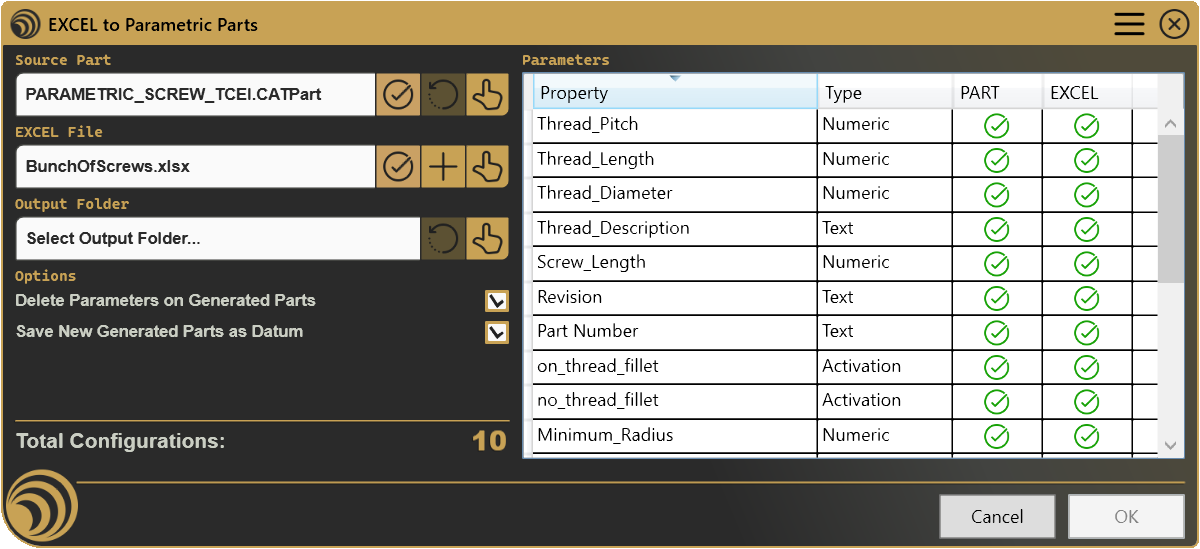
- Builds a template for you, point it at a reference Part and it generates a ready-to-fill spreadsheet listing every parameter that can vary.
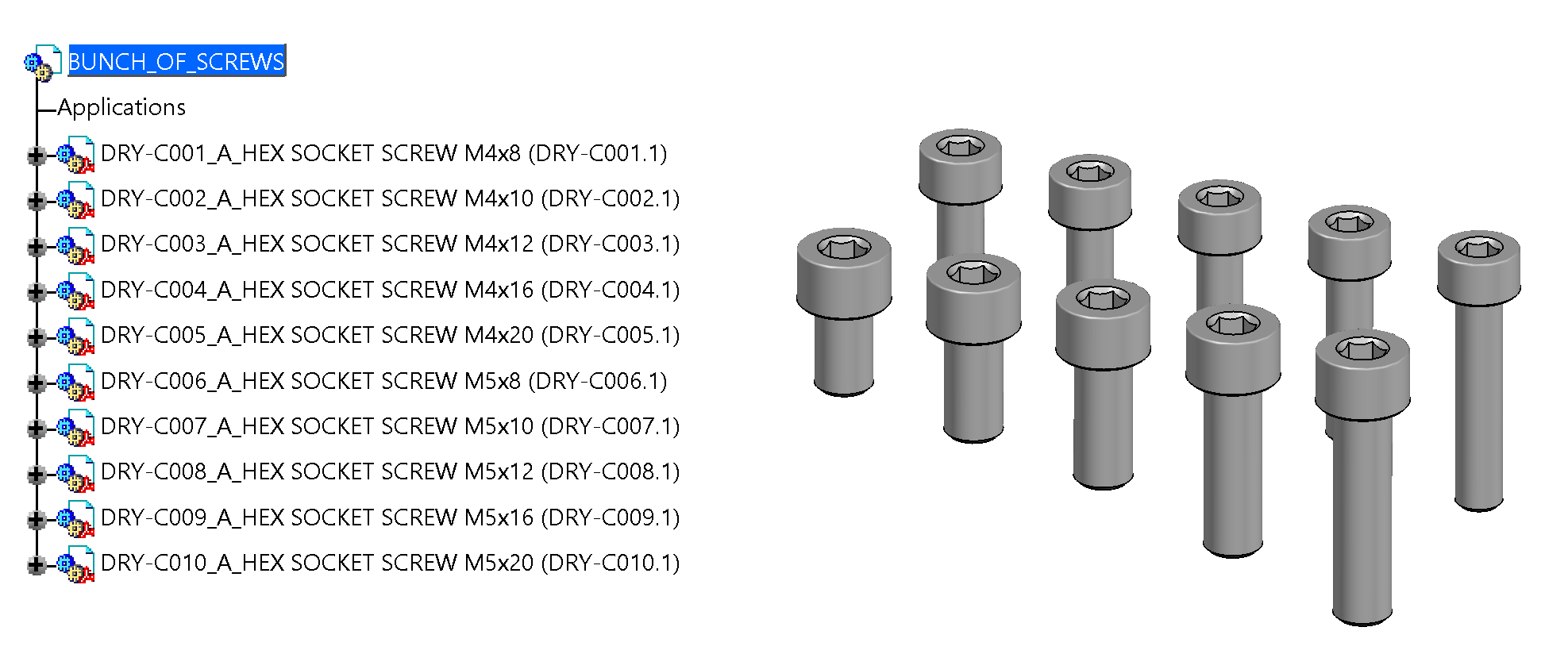
- Generates a full batch in one pass, fill in a row per variant and get a finished, independent Part for each one.
- Keeps every variant clean, parameters, file properties, and revision values are set automatically, with the option to strip parametrics and flatten history so each output part stands entirely on its own.
How it works
Start from a single reference Part and describe every variant as a row in a spreadsheet, sizes, names, revisions, whatever changes from one part to the next. Run it once, and each row becomes its own finished part, fully renamed, described, and ready to use, without touching the reference Part itself.
Screenshots
Where it fits
This is the kind of tool you might only reach for occasionally, but when a whole family of parts needs generating, it saves the hours a manual, one-by-one approach would burn. Especially valuable anywhere a single design varies across a defined range of sizes or configurations, from a handful of variants to a full catalog.
Full documentation
Get Started
Design better, every day.
Reduce errors, automate repetitive tasks, and free up time to innovate. Contact us for a pilot test on your real project.