Create 2D ISO View From 3D
Insert isometric drawing views straight from named 3D cameras and scenes, without leaving the drawing document.
Building an isometric view usually means leaving the drawing, chasing down the right 3D window, framing the shot by hand, and hoping you remember the angle next time. Create 2D ISO View From 3D skips all of that: pick a camera and a scene, and the isometric view lands on your sheet already scaled and linked, without ever switching context.
What it does
- Generates isometric drawing views on demand, straight from the active drawing document, using any 3D document already open or reachable from it.
- Reuses named cameras and scenes, once a viewpoint or configuration is set up once in 3D, it becomes a repeatable, one-click source for as many views as you need.
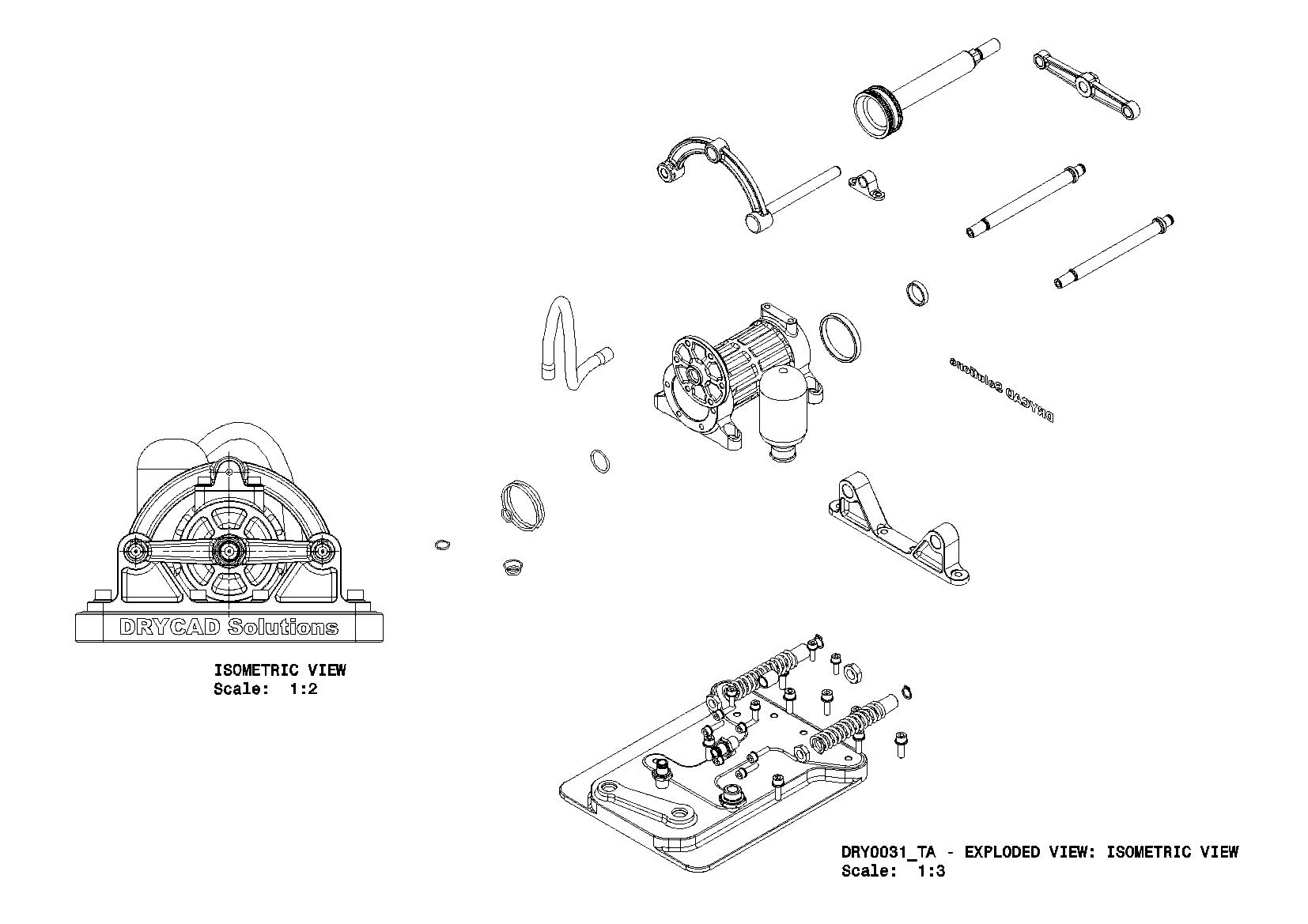
- Keeps views linked and scaled, each generated view carries its own scale and stays generatively associated with its source geometry.
- Supports full assemblies and single parts alike, whether the source is one component or a complete product structure.
How it works
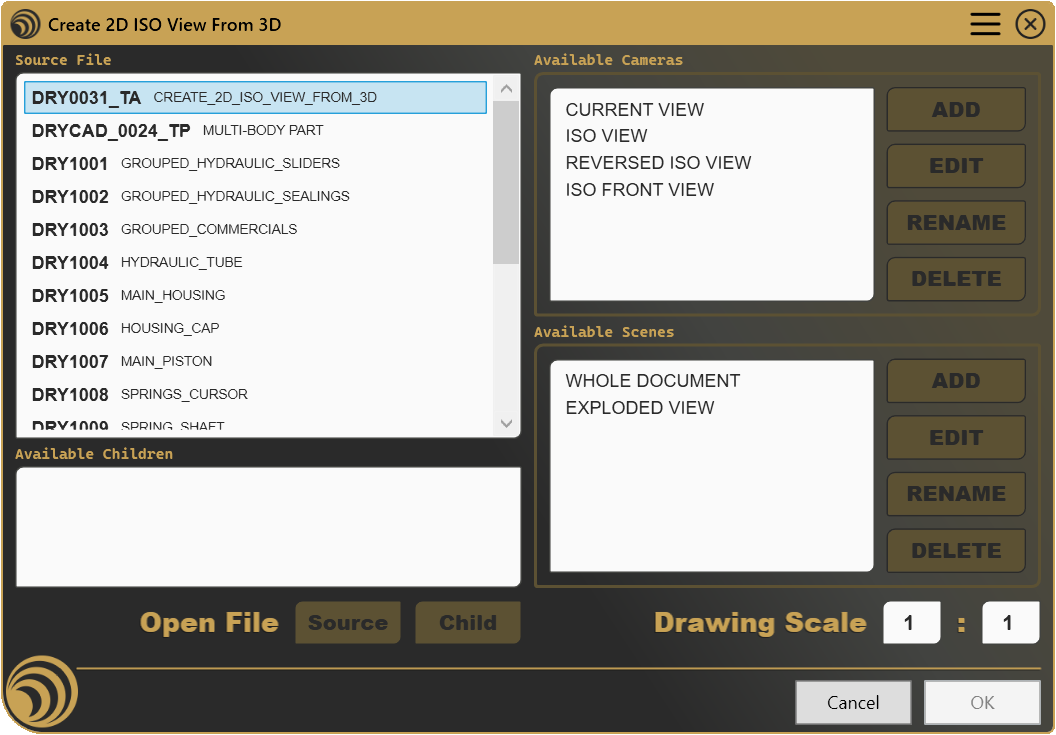
Choose the model you want to represent, pick one of its available cameras, including the current viewpoint or a ready-made isometric, and, for assemblies, the scene that defines what’s visible. Set the scale and confirm: the view appears on the active sheet immediately. The upfront investment is a few minutes spent naming cameras and scenes the way your drawings need them; after that, every future view is a matter of seconds.
Screenshots
Where it fits
Included in the Professional plan. It rewards a small amount of upfront organization, naming cameras and scenes with intention, with a much faster path from 3D to drawing sheet afterward, which pays off fastest for anyone who produces the same kind of view repeatedly across many drawings.
Full documentation
Get Started
Design better, every day.
Reduce errors, automate repetitive tasks, and free up time to innovate. Contact us for a pilot test on your real project.