Picture Mode
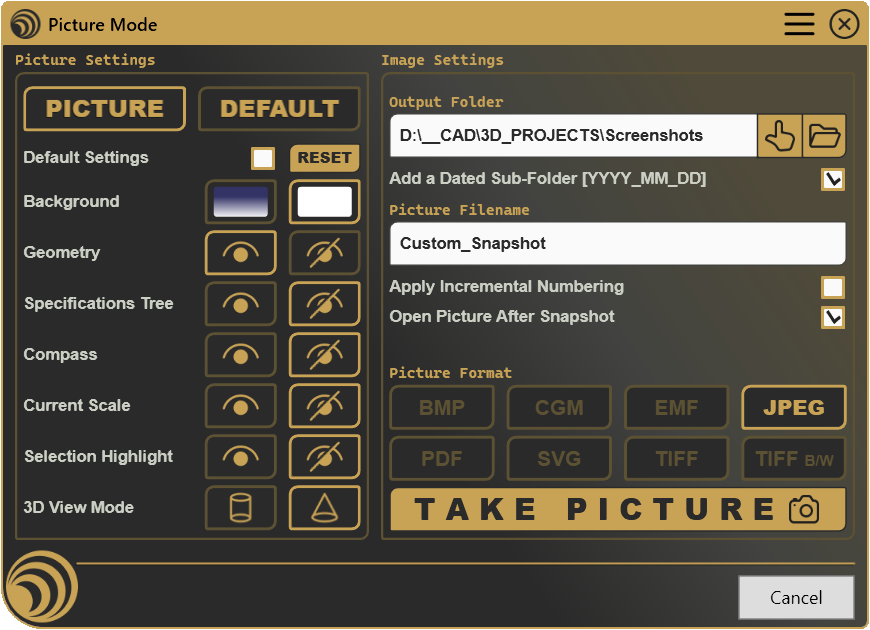
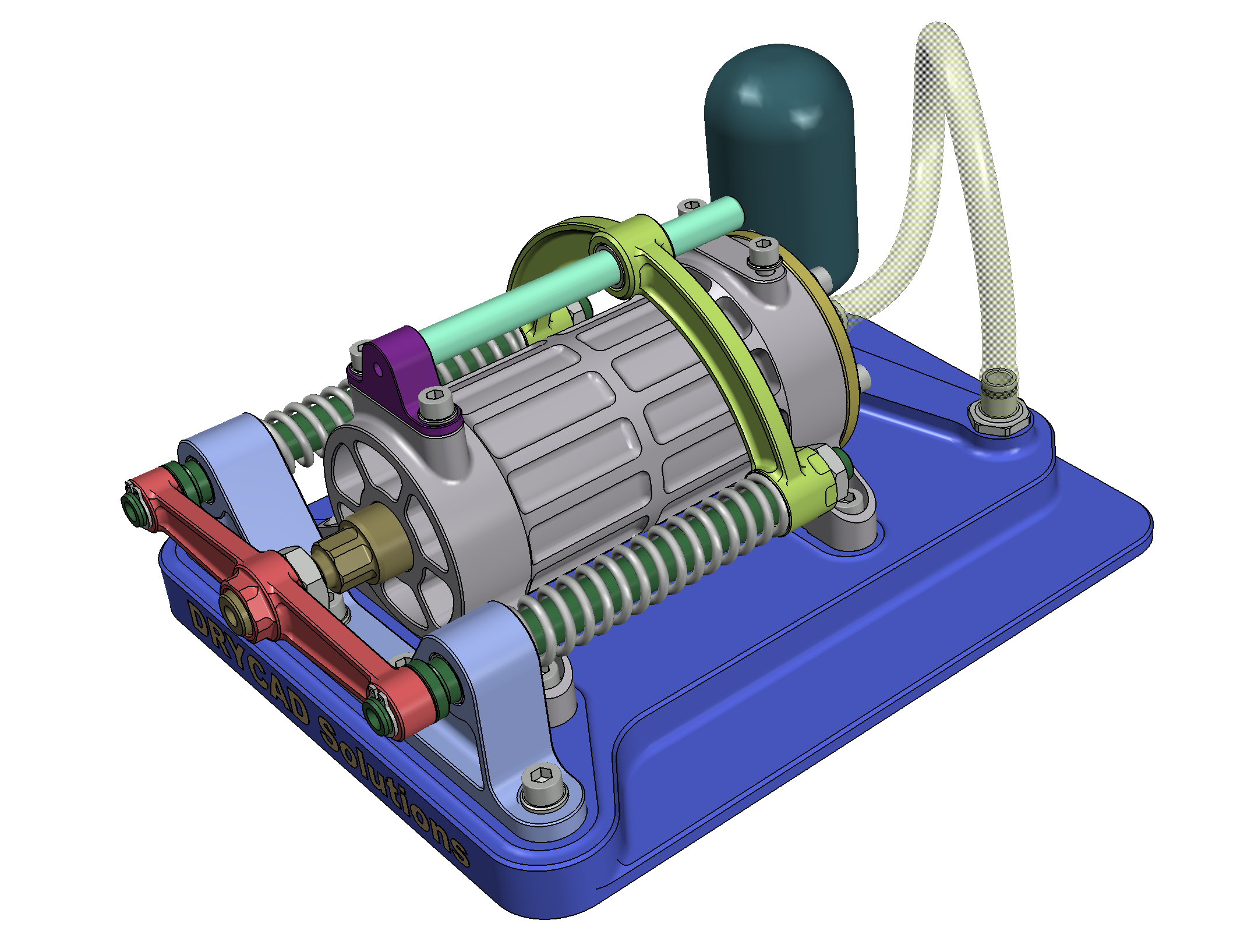
Switch to a clean, presentation-ready view of your model or drawing and capture a screenshot, without permanently changing your working display.
Every screenshot for a report, a proposal, or a customer email means the same detour: turning off the tree, hiding the compass, picking a clean background, remembering to turn it all back on afterward. Picture Mode swaps your display to a presentation-ready view with one click, captures the shot, and lets you flip straight back to exactly how you were working.
What it does
- Switches to a dedicated picture view, a separate background, visibility, and projection setup that’s kept apart from your normal working display.
- Captures the current view straight to a file, choose the format and destination once, then reuse them every time.
- Restores your working view instantly, flip back to your normal setup without hunting down every display option you changed.
- Remembers your preferences, the picture view and export settings stay exactly as you left them, session after session.
How it works
Flip to Picture mode, and your display switches over: background, visibility of the tree and other overlays, and viewing angle all adopt a clean, presentation-ready setup instead of your everyday working one. Take the shot, then switch back to Default whenever you’re ready, your original display returns exactly as it was. Every picture is saved to a folder of your choosing, in the format you prefer, with a name you control.
Screenshots
Where it fits
Included in the Professional plan. A natural fit for anyone who regularly needs to show their work, client presentations, internal reviews, documentation, or simply a cleaner screenshot than the default working view ever gives you.
Full documentation
Get Started
Design better, every day.
Reduce errors, automate repetitive tasks, and free up time to innovate. Contact us for a pilot test on your real project.